How to Use Food Delivery Apps Abroad Without Extra Fees
Food delivery apps like Uber Eats, DoorDash, and Grab have become staples of modern life. They offer unparalleled convenience, especially when you're tired after a long day of sightseeing and just want to eat in. But using them abroad can be tricky. You might run into credit card issues, unexpected foreign transaction fees, or discover that your go-to app doesn't even exist in your destination. The good news is that with a little bit of foresight, you can use these apps to save time and money on your travels. This guide will show you **how to use food delivery apps abroad without extra fees**, with expert tips from seasoned travelers who have mastered the art of ordering in on the road.
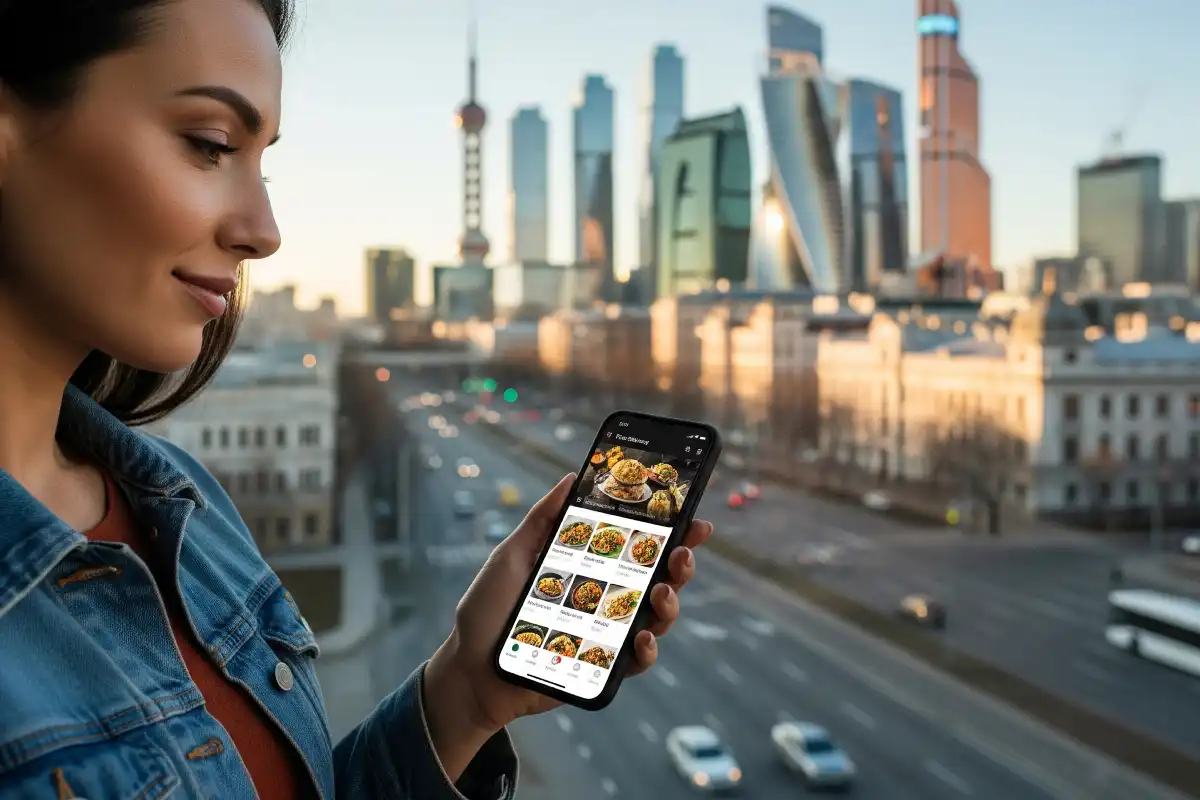
The “Local is Better” Rule 🗺️
The first and most important rule of using food delivery apps abroad is to embrace the local options.
1. Download the Regional App 📱
While Uber Eats has a global presence, it’s often not the dominant player. In Southeast Asia, **GrabFood** and **Foodpanda** are kings. In Latin America, you’ll find **Rappi**. In Europe, **Just Eat** and **Glovo** are popular. These local apps often have more restaurant options, better deals, and are more seamlessly integrated with local payment systems. They are your best bet for a smooth and affordable experience.
2. Look for First-Time User Discounts and Promotions 🤑
Local food delivery apps are constantly competing for new users. As a traveler, you can take advantage of this. Many apps offer significant discounts for first-time users, which can make your first order almost free. Look for promotions and coupon codes on the app’s homepage or in their advertising. It’s a quick and easy way to save money on at least one meal.
Experienced Traveler Insight: Alex, from a Travel Forum
“I was in Vietnam and tried to use my Uber Eats account, and it was a mess. Then a local told me to download Grab. Not only did I get my food in 15 minutes, but the first-time user discount saved me about 50% on my order. Now, I always download the local app first.”
Payment and Currency Hacks 💳
This is where many travelers run into trouble. Avoid fees and a declined card by following these simple rules.
1. Use a No-Foreign-Transaction-Fee Card 🏦
The biggest hidden cost of using a food delivery app abroad is the foreign transaction fee. Many credit cards charge a 3% fee on every purchase made in a foreign currency. This can add up quickly. Before you travel, get a credit card that has **no foreign transaction fees**. Many popular travel credit cards and some debit cards offer this feature.
2. Pay with the Local Currency 💸
When you’re checking out, the app might ask if you want to pay in your home currency (like USD) or the local currency. Always choose to pay in the **local currency**. This allows your bank to do the currency conversion, which is almost always a better rate than the one the app or a payment processor will offer you. It’s a simple hack that can save you a few dollars on every transaction.
3. Consider Using a Virtual Payment Service 🤔
If you’re worried about your credit card being declined, consider using a virtual payment service like **PayPal** or a local equivalent if you can set it up. These services can sometimes act as a buffer and are more widely accepted than a foreign credit card. However, this may not be an option in every country.
Digital Nomad’s Advice: Chloe, from a Travel Blog
“I live by one rule: always pay in the local currency. I’ve seen some apps try to charge me an extra 5% for ‘convenience.’ It’s not a convenience; it’s a scam. My no-foreign-transaction-fee card handles the conversion for me for free, so there’s no reason to pay more.”
Frequently Asked Questions About Food Delivery Abroad
What if I can’t find a delivery app in a small town?
Delivery apps are mostly found in large cities. In smaller towns, you might have better luck finding a local restaurant that offers its own delivery service. The best option is to ask a local or your hotel/hostel staff if they know of any places that deliver. It’s a great way to find a local gem and support a small business.
Are there any safety concerns with delivery apps?
In general, delivery apps are very safe, as they track the driver’s location and have a customer support system. However, always ensure the delivery person is wearing the proper uniform and that the food packaging is sealed. If something feels off, trust your gut. Most apps also have a photo ID of the driver for extra security.
Can I use my existing Uber Eats account abroad?
Yes, your Uber Eats account will often work in other countries where the service is available. However, you might still run into issues with your payment method and will likely not have access to the same promotions or deals that locals do. It’s always best to check for local options first.
Conclusion: Eat Smart, Travel Smarter
Using food delivery apps abroad is not only possible but can also be a convenient and budget-friendly way to eat on the road. The key is to think like a local. Download the regional apps, take advantage of first-time user discounts, and be smart about your payment method to avoid unnecessary fees. By doing so, you can enjoy the comfort of a delicious meal delivered right to your door, leaving you with more time and money for the rest of your travel adventures.