Digital Security Tips for Travelers: Protect Your Data Abroad
In our increasingly connected world, your smartphone, tablet, and laptop are indispensable travel companions. They help us navigate, book, communicate, and capture memories. However, this digital convenience comes with a heightened risk, especially when you're using **public Wi-Fi abroad** or dealing with unfamiliar networks. From phishing attempts to data theft, your personal information is a prime target for cybercriminals.
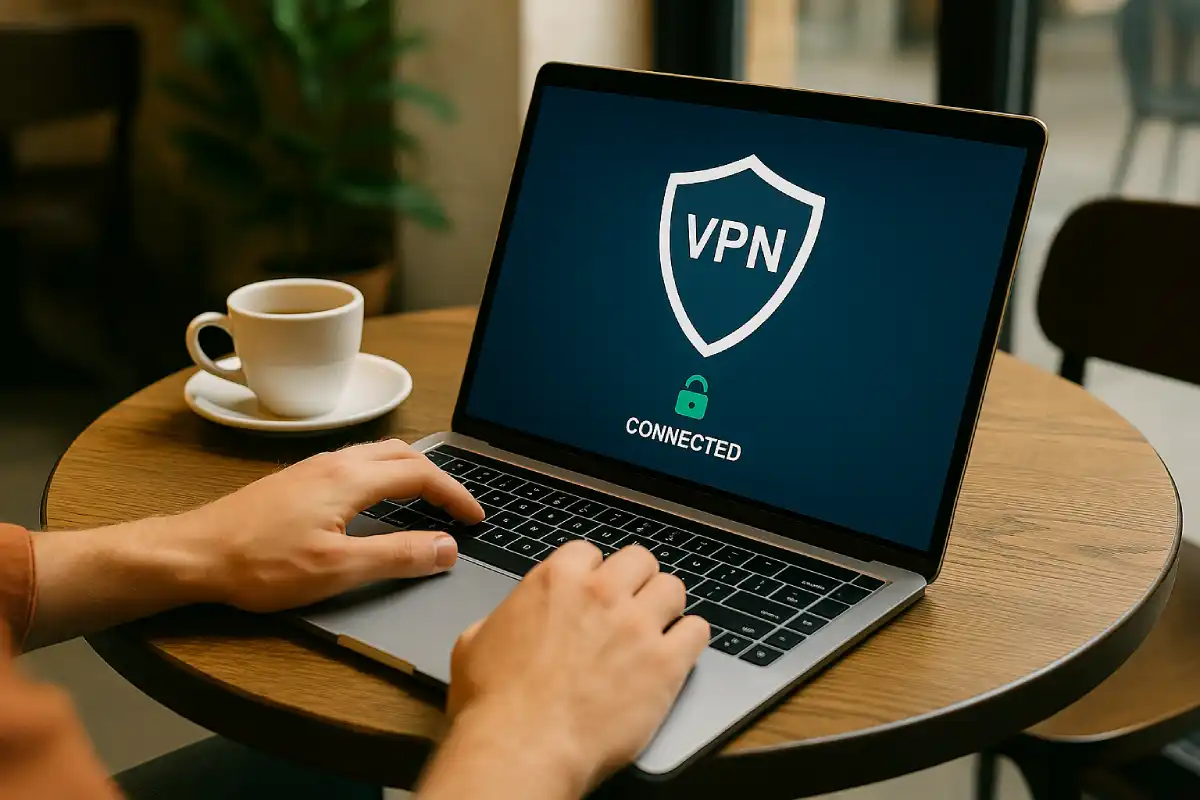
Protecting your **digital security** while traveling is just as crucial as safeguarding your passport or wallet. This comprehensive guide provides **essential digital security tips for travelers** to help you **safeguard your devices and online information**. Learn how to prevent data breaches, avoid common cyber threats, and maintain your online privacy to ensure a secure and worry-free digital journey. (Updated for 2025).
Pre-Trip Digital Preparation: Fortify Your Devices
A little preparation before you leave can prevent major headaches later:
1. Back Up Everything 💾
- Before you travel, **back up all your important data** (photos, documents, contacts) to a cloud service (Google Drive, Dropbox) or an external hard drive. This way, if your device is lost or stolen, your memories and critical information are safe.
2. Update Software & Apps 🔄
- Ensure your operating systems (iOS, Android, Windows, macOS) and all your apps are fully updated. These updates often include critical security patches that protect against known vulnerabilities.
3. Strong Passwords & Two-Factor Authentication (2FA) ✅
- Use **strong, unique passwords** for all your online accounts, especially banking, email, and social media.
- **Enable 2FA** wherever possible (e.g., Google Authenticator, SMS codes). This adds an extra layer of security, making it much harder for unauthorized access, even if your password is stolen.
4. Install a Reputable VPN 🔒
- A **Virtual Private Network (VPN)** encrypts your internet connection, making it unreadable to anyone trying to intercept your data, especially on public Wi-Fi. This is arguably the most crucial digital security tool for travelers.
- Purchase a subscription from a trusted provider (NordVPN, ExpressVPN, Surfshark) before you go.
5. Clean Up Your Devices 🗑️
- Delete any unnecessary sensitive information from your devices. The less sensitive data you have on them, the less there is to lose if compromised.
- Consider performing a factory reset on any older devices you might be taking that contain sensitive info you no longer need.
Experienced Traveler Insight: Alex, Digital Nomad & Tech Blogger
“My travel ritual starts with a full backup and then running all system updates. But the biggest game-changer for me was getting a good VPN. I never connect to public Wi-Fi without it, whether it’s at an airport, cafe, or hotel. It’s like having a private, encrypted tunnel for all your data, and it’s essential for online banking or sensitive work abroad.”
On the Go: Public Wi-Fi & Device Safety
1. Be Extremely Cautious with Public Wi-Fi 📶
- Assume it’s Insecure: Any public Wi-Fi (airport, hotel, cafe) is inherently insecure and can be monitored by malicious actors.
- Use a VPN: Always turn on your **VPN** before connecting to any public Wi-Fi. It creates an encrypted tunnel for your data.
- Avoid Sensitive Transactions: Do not conduct online banking, make credit card purchases, or access highly sensitive accounts on public Wi-Fi unless you are using a VPN.
- Verify Networks: Double-check the network name. Scammers often set up fake Wi-Fi hotspots with similar names (e.g., “Airport_Free_Wifi” vs. “Airport_Free_WiFi_Official”).
2. Manage Bluetooth & AirDrop Settings 📡
- When not in use, keep **Bluetooth turned off** to prevent unauthorized access or pairing attempts.
- Similarly, turn off or restrict **AirDrop/Nearby Share** settings to “Contacts Only” or “Receiving Off” to avoid unwanted file transfers or spam.
3. Physical Device Security 📵
- Enable Passcodes/Biometrics: Always use a strong passcode, PIN, fingerprint, or facial recognition to lock your devices.
- “Find My” Feature: Ensure “Find My iPhone” or “Find My Device” (for Android) is enabled. This can help locate a lost device and wipe its data remotely if necessary.
- Don’t Leave Devices Unattended: Never leave your phone, laptop, or tablet unattended in public spaces, even for a moment.
4. Beware of Public Charging Stations ⚡
- “Juice jacking” is a threat where public charging stations can be rigged to install malware or steal data from your device.
- Use Your Own Charger: Always use your own wall charger and cable.
- Portable Power Bank: Carry a fully charged power bank for safe charging on the go.
- Data Blocker: Consider carrying a USB data blocker (also called a “USB condom”) if you must use public USB charging ports.
Experienced Traveler Insight: Jessica, Solo Female Traveler
“I learned the hard way about dodgy Wi-Fi. My credit card got compromised after I did some online shopping on a hotel’s free Wi-Fi without a VPN. Now, I have a strict rule: if I’m not on my mobile data or my VPN is not connected, no banking, no online shopping, nothing sensitive. I always carry a power bank too, so I’m not stuck using public charging ports.”
Recognizing Common Cyber Threats
Scammers don’t just work in person; they’re online too:
1. Phishing Scams 🎣
- Fake Emails/Texts: Be wary of emails or texts impersonating airlines, hotels, banks, or tour operators. They might ask you to click a link to “confirm details” or “verify payment.” These links often lead to fake websites designed to steal your login credentials.
- How to avoid: Always go directly to the official website of the company or use their official app instead of clicking links in suspicious emails. Double-check the sender’s email address for slight misspellings.
2. Rogue Apps & Software Downloads 🚫
- Only download apps from official app stores (Google Play Store, Apple App Store). Avoid downloading apps from third-party websites or unofficial sources, as they may contain malware.
3. Social Engineering 💬
- Be cautious of strangers (online or in person) who try to gain your trust quickly to extract personal information or get you to perform actions on your device. Never share passwords, PINs, or sensitive financial details.
Frequently Asked Questions About Digital Security for Travelers
Do I really need a VPN for travel?
Yes, a VPN is highly recommended for travelers. It creates an encrypted tunnel for your internet traffic, protecting your data from being intercepted by malicious actors on unsecured public Wi-Fi networks (hotels, airports, cafes). It also helps you bypass geo-restrictions and access content or services from your home country.
Is it safe to do online banking on public Wi-Fi with a VPN?
While a VPN significantly enhances security by encrypting your data, it’s still best practice to limit highly sensitive transactions like online banking to secure, private networks whenever possible (e.g., your mobile data). If you must use public Wi-Fi for banking, ensure your VPN is active and verify that the banking website uses HTTPS (look for the padlock icon in the URL bar).
What if my phone is stolen while I’m abroad?
If your phone is stolen, immediately use its “Find My” feature (Apple) or “Find My Device” (Android) to locate it, lock it, or remotely wipe its data if recovery is unlikely. Report the theft to local police and your network provider. Having backups of your data is crucial here.
Should I use a different email address for travel-related bookings?
It’s a smart security practice to use a secondary email address for travel bookings, newsletters, and public Wi-Fi sign-ups. This helps protect your primary email (which might be linked to banking or other sensitive accounts) from potential phishing attacks or data breaches associated with travel companies.
What is “juice jacking” and how do I avoid it?
Juice jacking is a cyber-attack where criminals rig public USB charging stations to install malware on your device or steal your data while you charge. To avoid it, always use your own wall charger and cable plugged into an electrical outlet. Alternatively, carry a fully charged portable power bank, or use a USB data blocker (a small adapter that prevents data transfer while allowing power to flow) if you must use a public USB port.
Are physical privacy screens for laptops/phones useful for travelers?
Yes, privacy screens are very useful, especially for business travelers or anyone working with sensitive information in public spaces (airports, cafes, trains). They limit the viewing angle of your screen, preventing “shoulder surfing” by curious onlookers and keeping your data private.
Conclusion: Travel Smart, Stay Cyber-Secure
Your digital devices are powerful tools that enhance your travel experience, but they also represent potential vulnerabilities. By prioritizing **digital security** through smart preparation, vigilant online habits (especially on public Wi-Fi), and an understanding of common cyber threats, you can safeguard your data and maintain your privacy. Embrace the convenience of technology, but always do so with a secure mindset. A safe digital journey ensures a truly enjoyable physical one!