Winter travel apps you need
Winter travel presents unique digital challenges. Your phone battery drains faster, network coverage can be unreliable in remote mountain areas, and accurate, real-time weather information is a matter of safety, not just convenience. A well-curated selection of **winter travel apps** moves beyond general booking tools to focus on logistics, safety, and cold-weather performance. Having the right digital tools on your device is as important as having the right gloves in your bag.
Category 1: Weather and Safety Critical
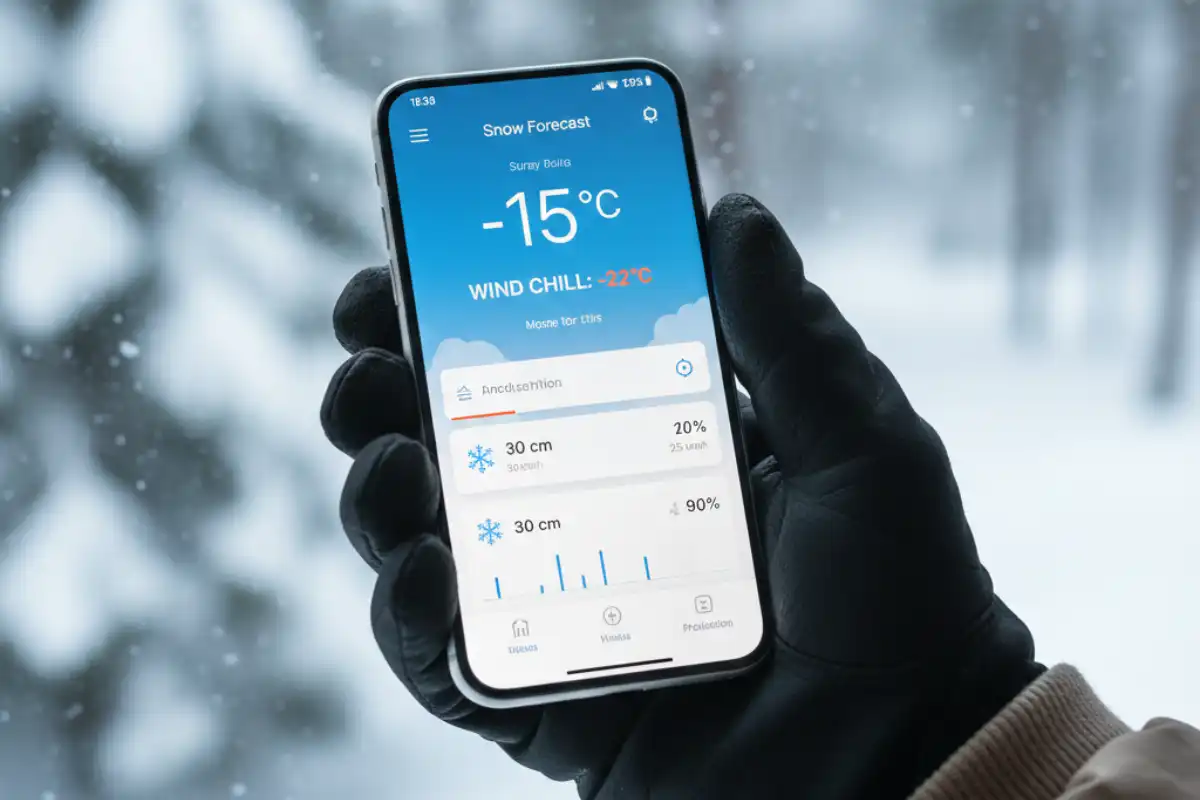
1. Hyper-Local Weather Forecasters (e.g., Dark Sky/AccuWeather Premium)
Generic weather apps often lack the precision needed for winter conditions. Look for apps that provide **minute-by-minute precipitation forecasts** (vital for avoiding unexpected snow squalls) and highly accurate **wind chill** calculations, which is the most critical temperature metric for cold-weather safety.
- **Traveler Insight:** “I stopped relying on my phone’s default weather app. A dedicated snow forecasting app (like the ones used by skiers) gives me elevation-specific conditions, not just city-wide averages. It saved us from getting stuck on a mountain road multiple times.” (Source: Ski Touring Forum)
2. Avalanche Safety and Backcountry Apps (e.g., Gaia GPS, local avalanche center apps)
For those venturing into the mountains (hiking, skiing, or snowshoeing), having an offline mapping tool and access to local avalanche data is non-negotiable.
- **Must-Have Feature:** The ability to download **topographical maps** for offline use, allowing navigation even without cellular service.
3. Emergency Services Locator (e.g., What3Words)
In poor visibility or remote areas, giving emergency services your exact location can be difficult. Apps like What3Words assign a unique three-word code to every 3-by-3 metre square on the planet, simplifying location sharing in a crisis.
Category 3: Comfort and Warmth Enhancers
- **Translation Apps with Offline Packs (e.g., Google Translate):** Essential when traveling in countries where language is a barrier, especially when asking for local advice on road conditions or emergency supplies. Download the required language pack for offline use.
- **Headlamp/Flashlight App:** While a physical headlamp is always better, having a dedicated app that uses your phone’s camera light can be a quick, hands-free solution for navigating a dark, icy path or rummaging in a cold tent.
- **Digital Entertainment (e.g., Audible/Spotify):** Winter travel often involves longer periods indoors (weather delays, early darkness). Pre-download audiobooks, podcasts, or music to keep yourself entertained offline during downtime.
Frequently Asked Questions About Winter Travel Apps
Why does my phone battery drain so fast in the cold?
The cold dramatically slows down the chemical reactions inside lithium-ion batteries, reducing their ability to release energy efficiently. This results in a rapid and often inaccurate drop in the reported battery percentage. Keeping the phone warm is the only reliable solution.
Are there apps specifically for predicting black ice or road conditions?
Dedicated apps for black ice are rare, but many premium weather apps (like the ones used by truckers or aviators) offer **real-time road temperature readings** and dew point forecasts. When the road temperature drops to 0°C or below, the risk of black ice is imminent.
Which apps are best for finding open, warm public spaces?
Google Maps and Yelp are best. Use the search term “library,” “museum,” or “café with Wi-Fi” and check the opening hours. Libraries and large museums are often free, warm, and have clean facilities, making them ideal low-cost shelter spots.
Should I use a separate dedicated GPS device for winter hiking?
Yes, experienced winter hikers and campers recommend carrying a dedicated GPS device or a paper map/compass as a backup. While phone apps are great, a dedicated GPS is engineered for harsher conditions, has a much longer battery life, and isn’t reliant on touchscreens that can be difficult to use with gloves.
How can I use my phone safely near moisture or snow?
Use a **waterproof, cold-rated phone case**. If you don’t have one, keep your phone in a simple zip-top plastic bag when exposed to snow or fog. This prevents moisture from getting into the charging port or speakers, which can lead to permanent damage when it melts.
Conclusion: Digital Preparation for Climate Control 🔌
A winter trip requires a digital arsenal that prioritizes safety, resilience, and logistical accuracy over general entertainment. By equipping your device with powerful, offline-capable apps for weather, navigation, and emergency communication, and by adopting strict battery conservation habits, you can mitigate the biggest technological risks of cold-weather travel. Your phone, properly prepped, becomes an invaluable tool for navigating the white season safely and comfortably.